 Applied Model Works
Start with a file
Use Add and Import a book to choose a document from Files. You can also paste text into your library.
 NarrateMyBook AI
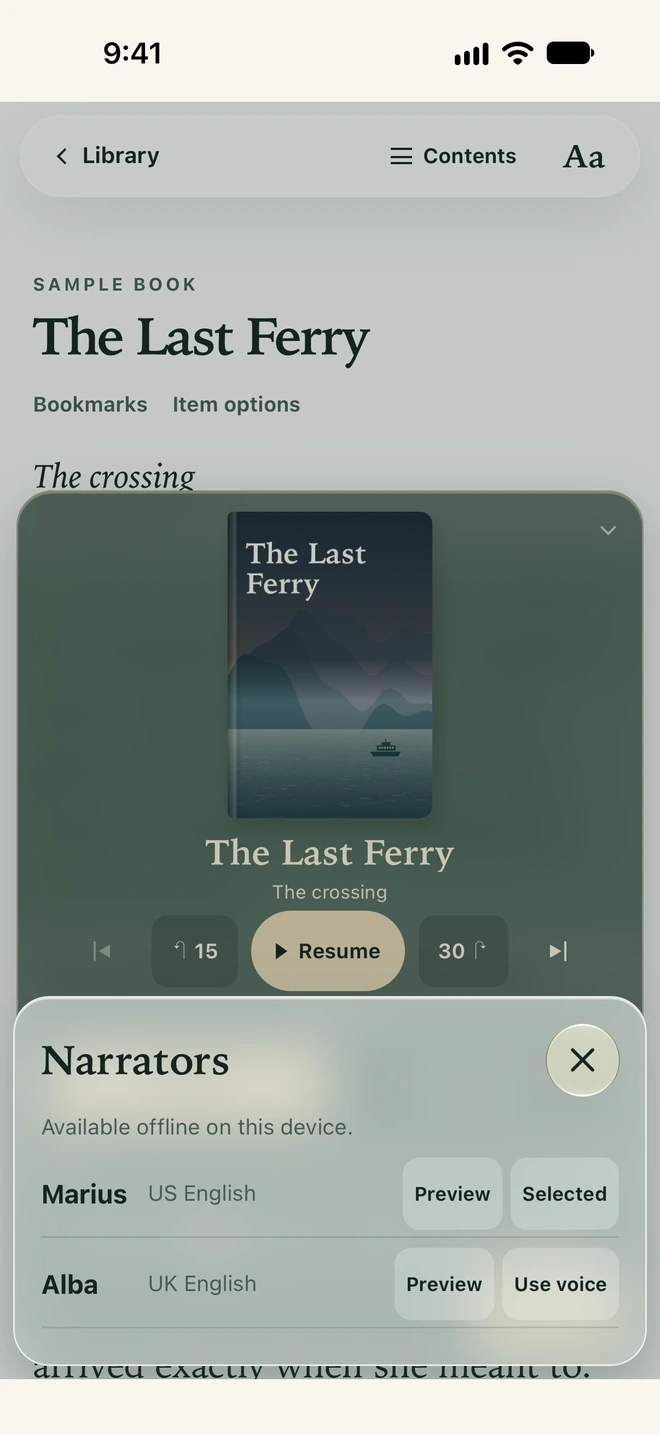
Import PDFs, EPUBs, and text files on iPhone or iPad. Choose Marius or Alba and listen on your device, even offline.
Use Add and Import a book to choose a document from Files. You can also paste text into your library.
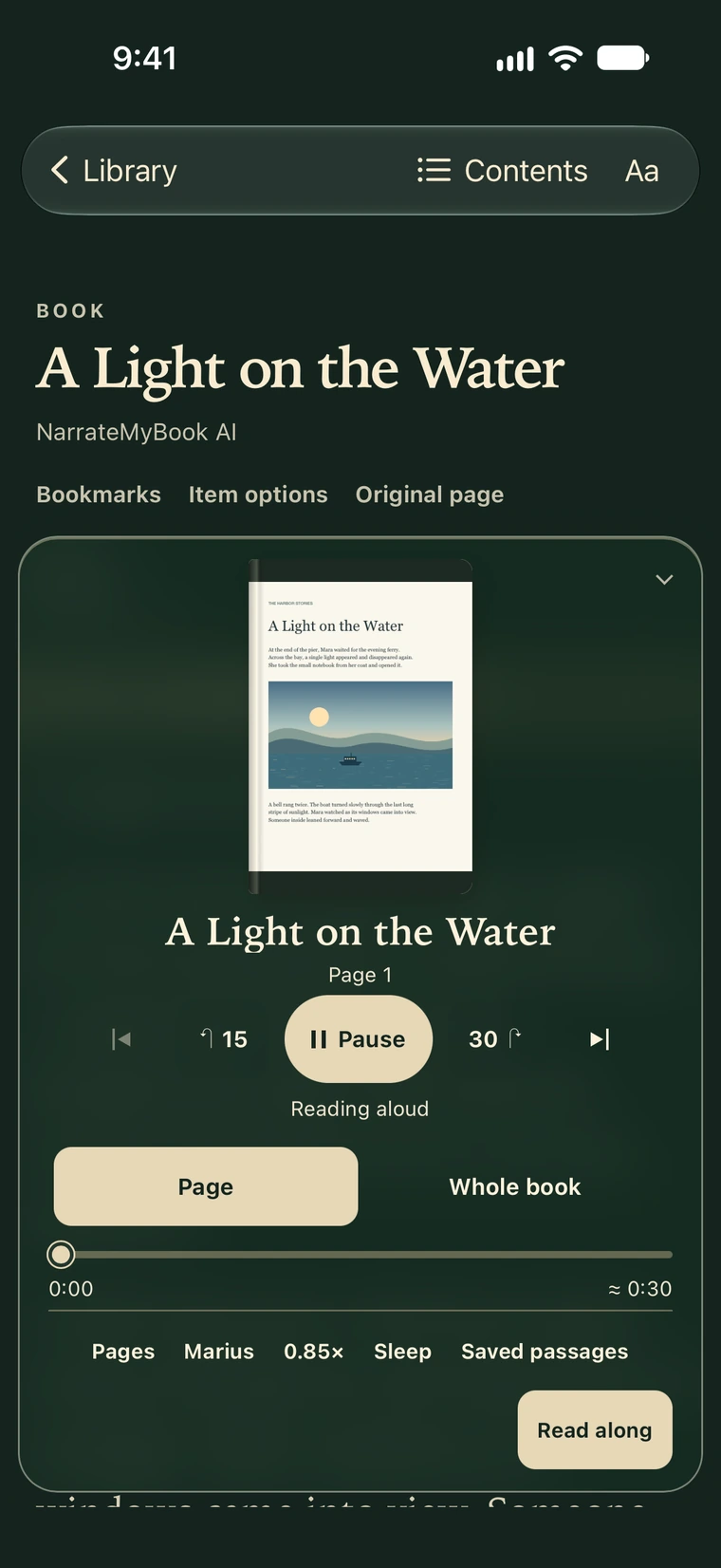
Preview Marius and Alba, then tap Listen. Adjust playback speed, jump by page or chapter, or set a sleep timer.
Save a passage with a bookmark or return to your last reading position. Your library and narration stay on your device.
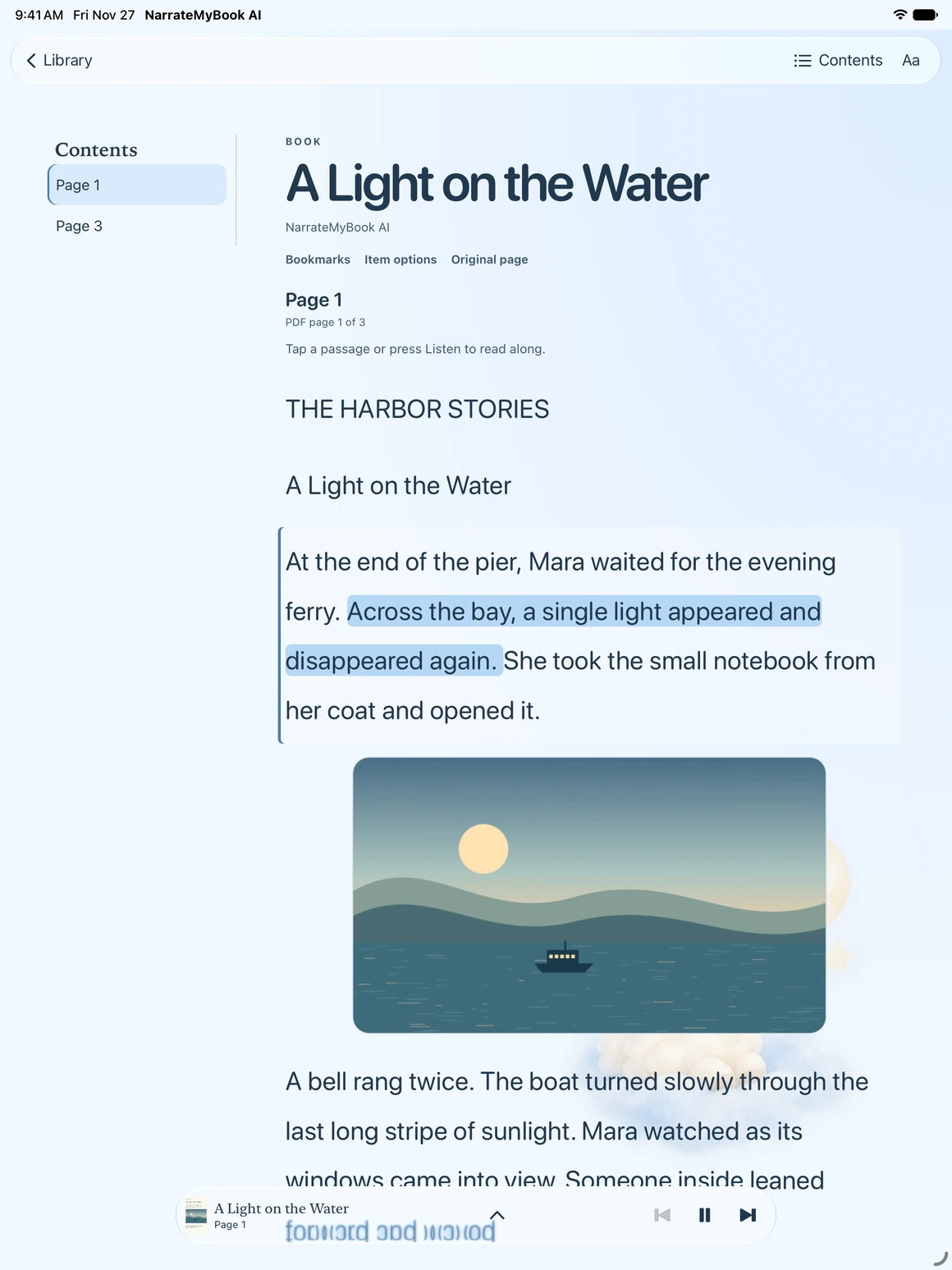
Cute Pink and Cute Blue use larger, rounded type and highlight the spoken word. In supported PDFs, illustrations appear alongside the text. Switch to Original page to see the printed layout.
Import unlocked PDFs with selectable text, DRM-free EPUBs, TXT, and Markdown files up to 80 MB. Scanned PDFs need OCR before import.